
Introduction

Ever get to the end of a long, busy day, only to look at your to-do list and realize you’ve barely made a dent? You’re not alone. That feeling of being constantly busy but never truly productive is the modern professional’s plague.
But what if you had a personal assistant? One that could draft your emails, summarize your meetings, design your presentations, and even automate your boring tasks? Sounds like a luxury for Fortune 500 CEOs, right?
Wrong.
In 2025, this powerhouse assistant is available to everyone. And the best part? You don’t need a corporate budget to access it. The world of free AI tools has exploded, moving from quirky gimmicks to essential, robust partners in our work and personal lives.
This guide is your curated map to this new world. We’ve sifted through hundreds of apps to bring you the most powerful, genuinely free AI tools for productivity in 2025. Whether you’re a student drowning in research, an entrepreneur wearing ten hats, or a professional looking to get home on time, these tools are about to change your life. Let’s dive in.
Beyond the Hype: What Makes Free AI Tools Actually Good in 2025?
With new AI apps launching daily, it’s easy to get overwhelmed. How do you separate the truly useful from the merely flashy? When evaluating a free AI tool, here’s your 2025 checklist:
- A Generous Free Tier, Not a Teaser: Look for tools that offer high monthly usage limits (like queries, minutes, or projects) rather than a 7-day trial that locks you out. The best tools want you to experience real value before you even think about paying.
- Core Features, Not Just Crumbs: The free version should solve a real problem. If it’s just a crippled demo that constantly nags you to upgrade, move on. You want the engine, not just the shiny hood ornament.
- It Feels Intuitive: A steep learning curve kills productivity. The best tools feel familiar and easy to use from the moment you open them. Your time is precious; don’t waste it on clunky software.
- Plays Well with Others (Integrations): Does this AI tool live in isolation, or can it connect with your existing digital home—be it Google Workspace, Slack, or Microsoft Office? Seamless integration is the key to a smooth workflow.
- Respects Your Privacy: This is non-negotiable. Always take a moment to skim the privacy policy. Understand what the company does with your data, especially if you’re inputting sensitive business or client information.
Now that you know what to look for, let’s explore the tools that are already setting the standard.
Your 2025 Free AI Productivity Toolkit: Sorted by Superpower
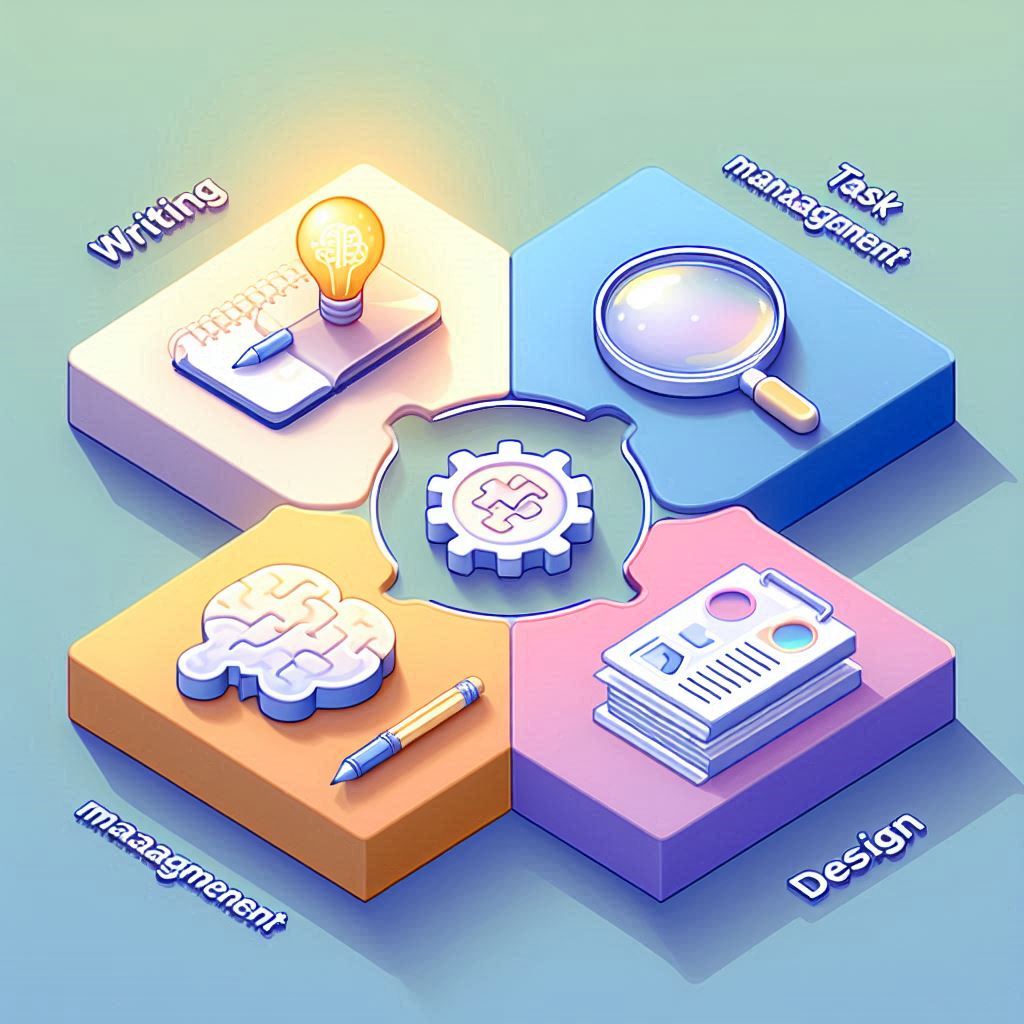
We’ve broken down the best free AI tools into categories based on the specific productivity superpower they grant you. Mix and match to build your own ultimate “AI Stack.”
1. Your AI Writing & Content Creation Co-Pilots
Tired of staring at a blank page? These tools are your muse, editor, and co-writer, all rolled into one.
- ChatGPT (OpenAI): The Versatile Veteran
Think of ChatGPT as the Swiss Army knife of AI. Its free tier is incredibly powerful for brainstorming ideas, drafting first versions of emails and blog posts, solving coding problems, and even creating simple business plans. Its strength lies in its versatility and conversational nature. While it may have usage caps during peak times, it remains the go-to starting point for millions. - Claude (Anthropic): The Thoughtful Analyst
If ChatGPT is the fast-talking ideas guy, Claude is the deep, thoughtful analyst. Its standout feature is a massive “context window,” meaning it can read, understand, and summarize incredibly long documents—think a 50-page PDF report or an entire book—in seconds. Its writing style is often more nuanced and reflective, making it perfect for crafting careful communications or digesting complex information. - Grammarly Free: The Unbeatable Editor
While not a generative AI in the same way, Grammarly’s free browser extension and desktop app are non-negotiable for anyone who writes. It goes far beyond simple spell-check, offering real-time suggestions for clarity, tone, and conciseness. It’s the silent guardian that ensures every email, social post, and document you send is polished and professional. - Gamma: The Presentation Powerhouse
Gone are the days of spending hours wrestling with slide layouts. With Gamma, you simply provide a topic, and it generates a complete, visually stunning presentation, document, or webpage in seconds. The free plan is perfect for individual creators, students, or anyone who needs to produce high-quality visual content fast, without needing a design degree. - Canva AI Features: The All-in-One Design Studio
Canva has deeply integrated AI into its platform. Magic Write helps you draft copy for social media posts, flyers, or blog headers, while Magic Design can generate entire design templates from a simple text prompt. If you’re already in the Canva ecosystem, these tools supercharge your existing workflow.
2. AI for Taming Chaos: Task & Project Management
Stop juggling mental notes and sticky notes. Let AI bring order to your projects.
- Notion AI Q&A: The Ultimate Knowledge Librarian
If you use Notion as your second brain, this feature is a game-changer. Imagine being able to ask your workspace, in plain English: “What were the key action items from the client call last Tuesday?” or “Summarize all my research notes for the ‘Project Phoenix’ launch.” Notion AI Q&A instantly scans every page and database to give you the answer. It turns your static notes into an interactive knowledge base. - Trello with Butler Automation: Your Workflow Robot
Trello’s built-in Butler feature uses AI to suggest and create automations. It learns from your behavior and can suggest rules like, “When a card is moved to ‘Done,’ add a checkmark, comment ‘Great work!’, and assign the card to Sarah for final review.” With a few clicks, you can automate the repetitive busywork that bogs down project management. - Asana with Smart Suggestions: The Proactive Planner
Asana’s AI helps you stay ahead of the game. It can predict task due dates based on your team’s history, automatically assign new tasks to the right team member, and even identify potential risks or bottlenecks before they become crises. It’s like having a seasoned project manager looking over your shoulder.
3. AI for Research, Summarization & Smarter Notes
Drowning in information? These tools are your life raft.
- Microsoft Copilot (in Loop/Edge): The Integrated Summarizer
Deeply baked into the Microsoft ecosystem, Copilot is your shortcut to clarity. Staring at a lengthy PDF in the Edge browser? Copilot can summarize it for you in three bullet points. Overwhelmed by a long, rambling email thread in Outlook? Copilot can distill it into the key takeaways. Its power is in its seamless presence right where you’re already working. - Otter.ai: The Meeting Superhero
Never frantically take notes in a meeting again. Otter.ai joins your Zoom, Teams, or Google Meet calls and transcribes everything in real-time. It differentiates between speakers, highlights key action items, and gives you a searchable record of every conversation. The free tier offers a very generous monthly allowance of transcription minutes, perfect for most individual users. - Mem.ai: The Self-Organizing Notebook
Mem calls itself the “self-organizing workspace,” and it lives up to the name. Instead of forcing you to create complex folder structures, Mem uses AI to automatically connect your notes, tasks, and meeting summaries. When you’re writing a project proposal, it will instantly surface your relevant meeting notes and research links without you having to search for them. It’s knowledge management that works for you, not the other way around.
4. AI for Visual Creation: From Imagination to Image
Unleash your inner artist or simply create professional visuals without a designer.
- Midjourney / DALL-E 3 (via Bing/ChatGPT): The Imagination Engines
The barrier to entry for world-class AI art is now virtually zero. While Midjourney operates through a unique Discord interface, DALL-E 3 is freely accessible through Microsoft’s Bing Image Creator or ChatGPT. Simply describe what you see in your mind’s eye—”a minimalist logo for a yoga studio called ‘Serenity,’ featuring a lotus and a mountain”—and watch as it generates stunning, high-resolution options. - Leonardo.Ai: The Artist’s Playground
A powerful competitor that often boasts a very generous free tier. Leonardo is beloved for its fine-grained control over the AI image generation process, allowing you to tweak styles, models, and details. It’s fantastic for creating consistent character designs, game assets, and detailed illustrations. - Remove.bg: The One-Trick Wonder
Some tools do one thing perfectly. Remove.bg is a perfect example. Need to remove the background from a product photo or a headshot? Drag and drop the image, and in under five seconds, you have a clean, transparent PNG. It’s a massive time-saver that feels like magic every single time.
5. AI for Coding & Development
For the builders and makers, AI is the ultimate pair programmer.
- GitHub Copilot (Student/Open Source Access): The Code Completist
Widely regarded as the industry leader, GitHub Copilot suggests whole lines of code and entire functions as you type, right in your code editor. While it’s a paid product, it offers free access for verified students and maintainers of popular open-source projects. If you qualify, it’s an unparalleled learning and productivity tool. - Amazon CodeWhisperer: The AWS Expert
Amazon’s answer to Copilot also has a strong free tier for individual developers. Its key strength is its deep integration with AWS services, making it incredibly useful for anyone building in the Amazon cloud ecosystem. It’s a robust, professional-grade tool that’s free to use. - Replit AI: The Beginner’s Best Friend
Replit is an online, collaborative IDE, and its built-in AI is perfect for beginners and learners. It can generate code from comments, explain existing code in plain English, and even help debug errors, all within a simple, accessible interface. It’s like having a friendly tutor available 24/7.
Making It Work: How to Weave AI Into Your Daily Life
This list can be exciting but also daunting. Here’s a simple, actionable plan to get started without the overwhelm:
- Start with One Single Pain Point. Don’t try to overhaul your entire life at once. What’s the one thing that drains your time the most? Is it writing emails? Try Grammarly or ChatGPT. Is it messy meeting notes? Install Otter.ai. Master one tool in one area first.
- Build Your “AI Stack.” Once you’re comfortable, see how these tools can talk to each other. The real magic happens here. For example: Use Otter.ai to transcribe a meeting -> Paste the transcript into Claude to get a summary and action items -> Use those action items to create automated cards in Trello. You’ve just automated a multi-step workflow.
- Schedule “AI Learning” Time. Block out 30 minutes each Friday to explore one new feature of a tool you’re using. Watch a short tutorial or just click around. This small investment compounds into massive efficiency gains over time.
A Word of Caution: The Human in the Loop

AI is powerful, but it’s not perfect. To use it wisely, keep these best practices in mind:
- You Are the Fact-Checker. AI models can “hallucinate”—they can present incorrect information with complete confidence. Always, always verify critical facts, data, and code snippets from a trusted source. Never use AI output as unquestionable gospel.
- Infuse It with Your Voice. AI-generated text can sometimes sound generic. Use it as a first draft, a source of ideas, or a way to overcome writer’s block. Then, rewrite it, add your personal stories, and make it sound like you. Your unique perspective is your superpower.
- Don’t Outsource Your Brain. Use AI to augment your intelligence, not replace it. Your critical thinking, creativity, and emotional intelligence are what make you invaluable. Let the AI handle the busywork so you can focus on the deep work.
FAQs: Your Burning Questions, Answered
- Q: Are these tools really free? I’ve been burned before.
- A: We feel you! That’s why this list specifically focuses on tools with a robust, permanently free tier or a “freemium” model that offers genuine utility without payment. We’ve avoided “free trial only” traps.
- Q: Is my data safe with these free AI tools?
- A: This is crucial. You should always review the privacy policy of any tool you use. As a rule of thumb, avoid inputting highly sensitive, proprietary, or confidential client data into a free tier. For most general business and personal tasks, the risk is low, but being informed is key.
- Q: What’s the single best all-in-one free AI tool?
- A: If we had to pick one for its sheer versatility, ChatGPT is still the champion. However, if your work is deeply tied to a specific platform like Notion or Microsoft 365, their integrated AI features might be the “best” for you. It’s all about context.
- Q: All this talk about AI… is it going to take my job?
- A: This is the big question. The most likely future is not AI taking your job, but a person using AI taking a competitive advantage. AI won’t replace you, but a professional who knows how to leverage AI effectively might. The goal is to be that professional.
(H1) The Future is Proactive, Not Reactive
The productivity revolution is no longer coming; it’s here, and it’s democratized. These free AI tools represent a fundamental shift from reactive work—constantly putting out fires—to proactive work, where you have the space and support to focus on what truly matters.
The hours you save on mundane tasks can be reinvested into creative thinking, strategic planning, or simply living your life. So, pick one tool that excites you and try it today. You might just find that the most productive partner you’ve ever had was an algorithm all along.
What about you? Which of these free AI tools are you most excited to try? Share your favorite in the comments below and let us know how it’s transforming your workflow!