


Imagine staring at a blank artboard, the cursor blinking mockingly. You have a brilliant concept in your mind—a vibrant brand identity, a sleek app interface, a revolutionary product form—but the leap from imagination to first draft feels like a chasm. This “blank canvas syndrome” is a universal creative hurdle. Now, imagine having a collaborative partner that could instantly generate not one, but dozens of starting points based on a simple sentence you whisper. This isn’t a future fantasy; it’s the present reality with Generative AI for design and visual prototyping.
Generative AI isn’t here to automate the designer out of existence. Instead, it’s emerging as the most powerful tool ever added to the creative toolkit, a tireless ideation engine that handles the heavy lifting of iteration, freeing you to focus on strategy, emotion, and refinement. Let’s explore how this technology is reshaping the creative workflow from the ground up.
What Exactly is Generative AI for Design?
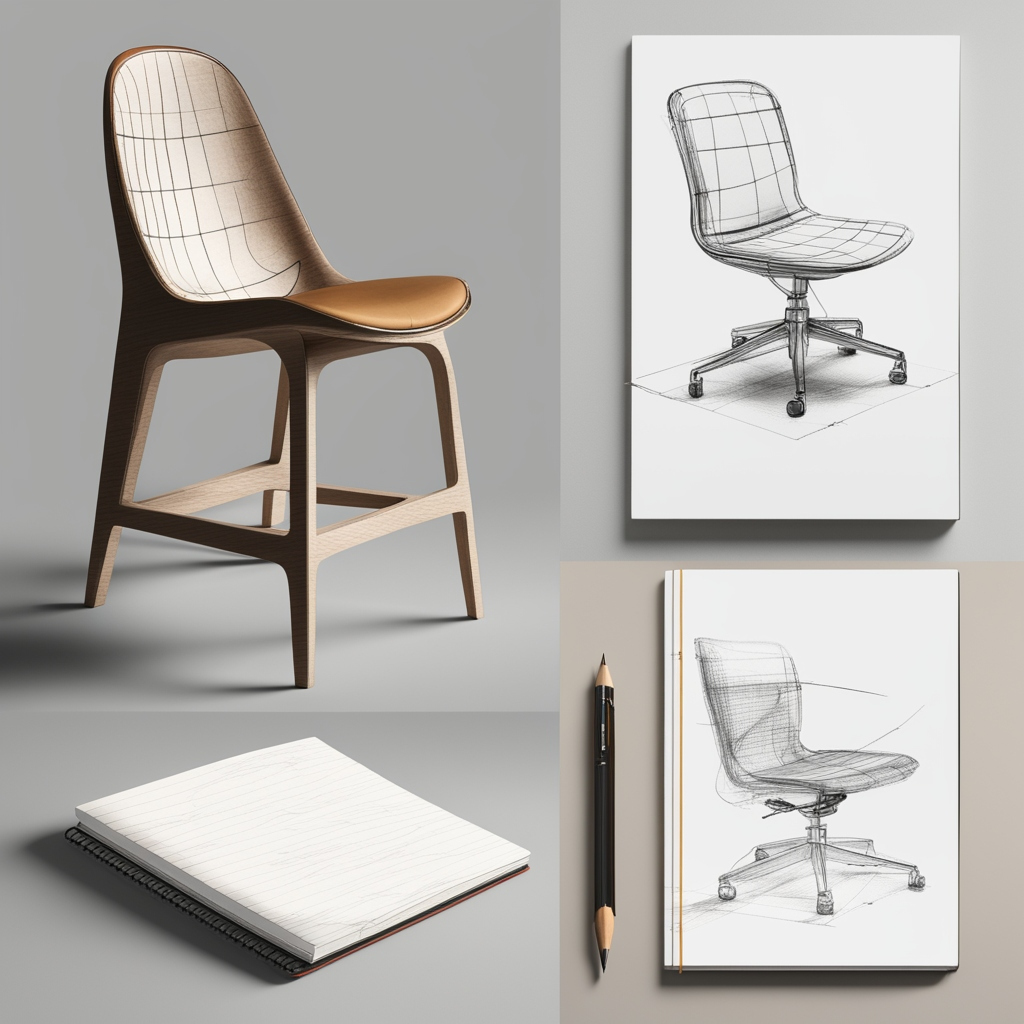
Let’s move beyond the buzzwords. Generative AI refers to a category of artificial intelligence models, particularly diffusion models (like those powering DALL-E 3, Stable Diffusion, and Midjourney) and large language models (like GPT-4), that can create new, original content. They learn from vast datasets of images, text, and designs to understand patterns, styles, and relationships.
In design, this translates to a simple, magical-seeming interaction: you provide a prompt (text, a sketch, an image), and the AI generates visual outputs that match your description. It’s not searching a database; it’s synthesizing something new based on learned principles of composition, color theory, and style.
The Core Promise: From Linear to Exponential Workflow
The traditional design process is largely linear: Research → Sketch → Digital Draft → Client Feedback → Revisions → Final. Each step is a manual bottleneck.
Generative AI injects parallel ideation into this flow. At the sketch and draft stages, you can explore countless variations in the time it used to takes to produce one. This shifts the designer’s role from sole executor to creative director and curator. Your taste, judgment, and strategic thinking become more valuable than ever.
The Generative Design Toolbox: Practical Applications
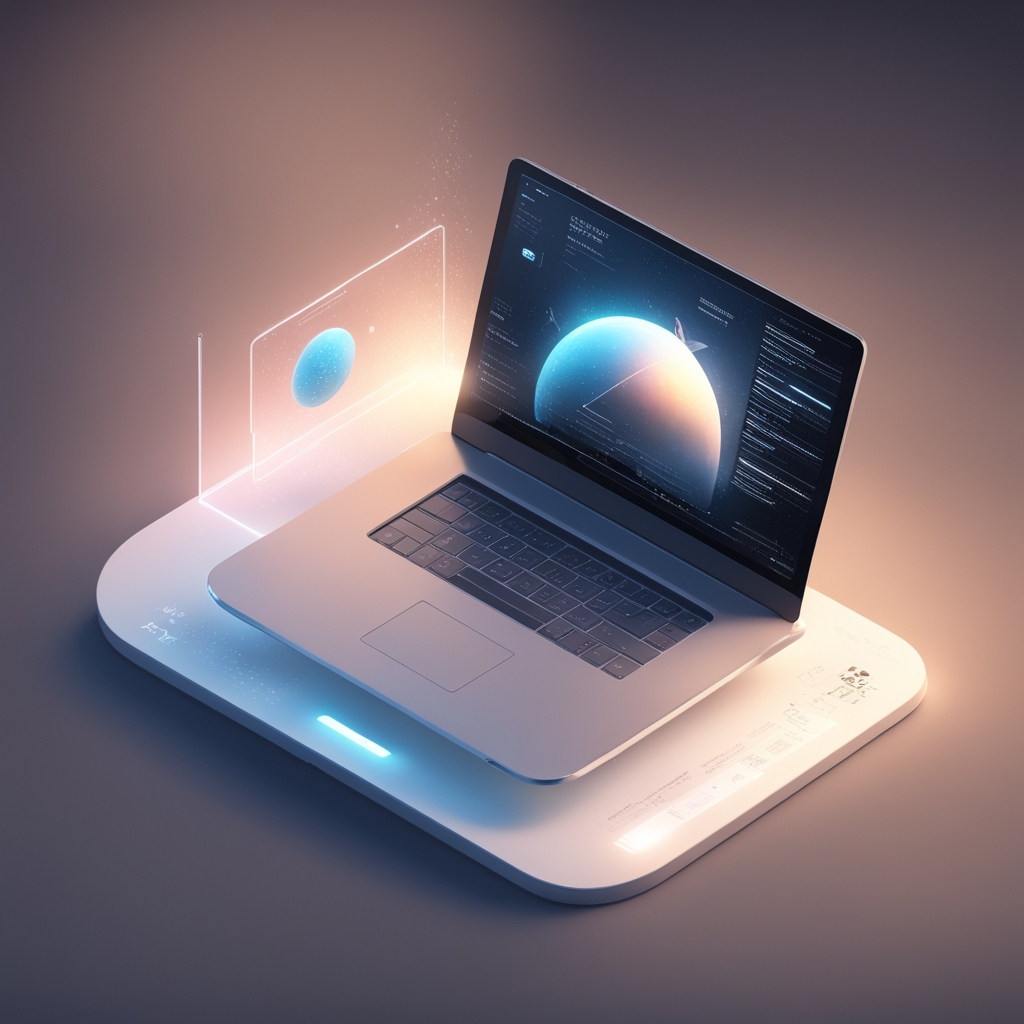
1. Concept Generation & Mood Boards: Killing the Blank Canvas
- How it works: Input prompts like “mood board for a sustainable yoga brand, earthy tones, minimalist, natural textures, sense of calm” or “futuristic dashboard interface for an electric car, holographic elements, dark mode.”
- The Impact: In minutes, you have a rich set of visual directions. Tools like Midjourney excel at creating evocative, style-cohesive imagery. This rapid visualization helps align stakeholders early, avoiding costly mid-project pivots. A study by the McKinsey Global Institute notes that AI can reduce the time spent on initial design research and concept development by up to 50%, allowing teams to “fail fast” and find winning ideas sooner. [Source: McKinsey, “The economic potential of generative AI: The next productivity frontier”]
- Human-in-the-Loop: The designer curates the best outputs, combines ideas, and injects brand-specific nuance that the AI might miss.
2. Rapid UI/UX Prototyping & Wireframing
- How it works: Tools like Galileo AI and UIzard allow you to describe an app screen in text (“a login screen with a mountain background, a centered card, email and password fields, and a subtle gradient button”). The AI generates a clean, editable UI layout in seconds. More advanced tools can turn a hand-drawn sketch into a coded prototype.
- The Impact: This dramatically speeds up the low-fidelity phase. Product managers and designers can test interaction flows and user journeys before a single line of production code is written. It democratizes prototyping, allowing non-designers to contribute visual ideas that can be professionally polished.
- Human-in-the-Loop: The UX designer ensures information architecture, accessibility standards (color contrast, keyboard navigation), and intuitive user flows are upheld, using the AI output as a structural starting point.
3. Logo & Brand Identity Exploration
- How it works: While final logos require deep strategic and custom artistry, AI is phenomenal for exploration. Prompt: “logo mark for a fintech startup called ‘Horizon,’ combining a simple sun and a graph line, friendly but trustworthy, flat design.” You’ll get hundreds of concepts to spark thinking.
- The Impact: It expands the creative horizon beyond the first few obvious ideas. Designers can explore styles they might not have manually tried (art deco, linocut, abstract gradient) with minimal time investment.
- Human-in-the-Loop: The brand designer selects promising directions, refines them in vector software (like Illustrator), ensures scalability, and embeds unique brand storytelling that generic AI cannot replicate.
4. Marketing & Advertising Asset Creation
- How it works: Need a hero image for a blog post on “remote work productivity”? Need 10 variations of a social media ad for A/B testing? AI image generators can produce on-brand photography, illustrations, and graphics at scale. Adobe Firefly, integrated into Photoshop, allows for mind-blowing edits like “replace this dull sky with a dramatic sunset” or “generate a realistic product shot of this vase on a marble table.”
- The Impact: It breaks the dependency on expensive stock photo subscriptions or lengthy photo shoots for every asset. Marketing teams can be more agile and campaign-specific.
- Human-in-the-Loop: The art director ensures brand consistency (exact Pantone colors, proper logo usage) and that the imagery conveys the correct emotional nuance and cultural sensitivity.
5. 3D Model and Product Design Ideation
- How it works: For industrial and game designers, tools like Kaedim and Masterpiece Studio can transform 2D concept art or sketches into rough 3D models. Others can generate textures or complete 3D scenes from text descriptions.
- Impact: It accelerates the conceptual phase of 3D work, which is traditionally time-intensive. Designers can evaluate form and function from multiple angles before committing to detailed modeling.
- Human-in-the-Loop: The 3D artist refines topology for animation, ensures models are production-ready for rendering or manufacturing, and applies deep material understanding.
Facing the Fears: Ethics, Originality, and the “Soul” of Design
The rise of Generative AI brings valid concerns that we must address head-on.
- Copyright & Training Data: AI models are trained on billions of images, often scraped from the web without explicit permission. This raises complex copyright questions. The ethical path forward involves using tools that respect creator rights (like Adobe Firefly, trained on its stock library and public domain content) and advocating for transparent sourcing. As designers, we must be vigilant about the tools we choose.
- Bias in Outputs: AI can perpetuate and amplify societal biases present in its training data (e.g., generating CEOs only as older white males). Responsible use requires critical curation, diverse prompt engineering, and using AI as a draft to be corrected by human values.
- The “Death of Originality”: Does AI create anything truly new? It remixes and reinterprets. The true originality comes from the human designer’s unique prompt, creative direction, and final synthesis. The AI is a collaborator, not an author. The “soul” enters into the choices you make, the problems you choose to solve, and the emotional resonance you craft from the AI-generated raw material.
- Job Displacement: History shows that transformative tools change jobs rather than erase them. The demand for strategic, critical-thinking designers will grow. The focus will shift from manual execution to high-level art direction, AI-powered workflow orchestration, and nuanced creative judgment. As a 2023 report from the Stanford Institute for Human-Centered AI (HAI) suggests, the most impactful applications of AI are those that augment human capabilities rather than attempt to fully automate them. [Source: Stanford HAI, “AI Index Report 2023”]
Getting Started: A Humanized Workflow Integration
Feeling overwhelmed? Don’t try to overhaul everything at once. Start small:
- The “Brainstorming Buddy”: Next time you’re stuck, open ChatGPT or Claude and describe your design challenge. Ask it for 10 visual metaphors, color palette ideas, or copy options for a header. Use it to break your initial mental block.
- The “Mood Board Accelerator”: Use Midjourney or DALL-E 3 in your next project’s discovery phase. Generate 4-5 distinct visual directions to discuss with your team or client before you draw a single line.
- The “Tedious Task Terminator”: Use Adobe Firefly’s Generative Fill in Photoshop to quickly extend backgrounds, remove objects, or create variations. Reclaim hours of meticulous clone-stamping.
Prompt Craft is the New Skill
The key to effective AI collaboration is learning to “speak its language.” Vague prompts yield vague results. Practice being specific:
- Bad: “A website for a restaurant.”
- Good: “A high-fidelity mockup for a luxury sushi restaurant website. Dark navy background, gold accents, high-resolution images of artisan sushi plating, elegant serif typography (show example of Playfair Display), minimalist layout with ample negative space.”
The Future is Collaborative: What’s Next?
We’re moving toward end-to-end AI-augmented design systems. Imagine describing a full product in text: “A meditation app for astronauts, with a UI that feels weightless, using NASA telemetry data to create calming soundscapes.” The AI could generate the brand identity, the high-fidelity UI, the marketing site, and even the pitch deck—all as a cohesive, editable starting point.
The role of the designer will elevate to that of a Creative Conductor, orchestrating multiple AI tools, making high-stakes aesthetic and strategic decisions, and ensuring the final output is not just visually coherent, but meaningful, ethical, and deeply human.
Conclusion: Augmentation, Not Automation
Generative AI for design is not a dystopian replacement; it’s a renaissance of possibility. It automates the tedious, accelerates the iterative, and expands the conceivable. It hands us a key to unlock a wider realm of creative potential, but it does not tell us which door to open or what to build on the other side.
The heart of design—empathy, storytelling, problem-solving, and communication—remains irrevocably human. By embracing Generative AI as a powerful co-pilot, we free ourselves from the constraints of the blank canvas to focus on what truly matters: crafting experiences that resonate, inspire, and connect.
- For exploration & concept art: Midjourney, DALL-E 3
- For integrated, ethical workflows: Adobe Firefly (in Photoshop, Illustrator)
- For UI/UX prototyping: Galileo AI, UIzard
- For understanding the bigger picture: Stanford HAI’s AI Index Report
The future of design belongs not to AI, nor to humans alone, but to the synergistic partnership between them. The question is no longer if you should explore these tools, but how you will use them to amplify your unique creative voice.
Ready to explore? Start your journey with these human-centric, designer-friendly tools.
FAQ Section
Q: Will Generative AI replace human designers?
A: No. Generative AI acts as a collaborative tool that handles rapid iteration and tedious tasks, freeing designers to focus on strategy, emotion, and refinement. The future lies in human-AI partnership, where human judgment, creativity, and empathy remain irreplaceable.
Q: What are the ethical concerns around using AI for design?
A: Key concerns include copyright issues around training data, potential bias in AI outputs, and originality. It’s crucial to use ethically trained tools (like Adobe Firefly), critically curate outputs to avoid stereotypes, and ensure final designs embed unique human storytelling and brand specificity.
Q: How can I start using Generative AI in my design workflow?
A: Begin small: use ChatGPT for brainstorming ideas, try Midjourney for mood boards, or experiment with Galileo AI for UI mockups. Focus on one task, like generating visual concepts or extending images, and gradually integrate AI as a “brainstorming buddy” in your process.
Q: Which AI tools are best for logo or brand identity work?
A: While final logos require custom artistry, tools like DALL-E 3 and Midjourney are excellent for exploring style directions and concepts. For editable, vector-friendly outputs, Adobe Firefly integrated into Illustrator is a powerful choice, allowing refinement while respecting commercial licenses.
Q: Can AI help with UX research and user testing?
A: Indirectly, yes. AI can rapidly generate prototype variations for A/B testing and simulate different user interfaces. However, understanding user emotions, contextual needs, and conducting empathetic research remain deeply human tasks that AI cannot fully replicate. It’s a prototype generator, not a researcher.
Q: How does AI impact design jobs and required skills?
A: The skill set is shifting. While execution speed increases, the demand grows for creative direction, prompt engineering, critical curation, and strategic thinking. Designers who master collaborating with AI—guiding its output with strong aesthetic and ethical judgment—will be highly valued.
Q: Are there SEO benefits to using AI-generated images?
A: Yes, if used strategically. AI can quickly produce unique, relevant visuals for blogs and websites, reducing reliance on generic stock photos. Unique images can increase engagement and time-on-page. Always add descriptive, keyword-rich alt text to these images to maximize SEO value.
Q: What’s the future of Generative AI in design?
A: We’re moving toward seamless, end-to-end AI-augmented systems where designers act as “creative conductors,” orchestrating multiple tools to generate cohesive brand ecosystems from a single prompt. The focus will elevate to higher-level strategy, storytelling, and emotional resonance.
Q: Is it expensive to integrate Generative AI into a design workflow?
A: Costs vary widely. Many tools offer free tiers or trials (like DALL-E 3 credits in ChatGPT, Midjourney’s basic plan). Subscription models for professional features typically range from $10-$100/month. When weighed against the time saved in ideation, prototyping, and asset creation, most designers and agencies find the ROI to be significant. Consider it an investment in dramatically expanding your creative bandwidth.
Q: How steep is the learning curve for these AI design tools?
A: The barrier to entry is surprisingly low. Basic text-to-image generation is as simple as typing a sentence. However, mastering these tools—developing reliable prompt engineering skills, understanding style parameters, and integrating outputs into a professional workflow—takes dedicated practice, much like learning Photoshop or Figma once did. A wealth of free tutorials, prompt libraries, and community forums exists to accelerate the learning process.
Q: How do I ensure my AI-assisted designs remain unique and don’t look generic?
A: This is where your skill as a designer shines. Use AI for components, not completions. Generate a texture, a background element, or a set of icon sketches, then combine and refine them uniquely in your design software. Use custom color palettes and typography. Most importantly, feed the AI your own sketches or brand elements as a starting point to guide its output toward a distinctive result.
Q: Can Generative AI be used for team collaboration and client presentations?
A: Absolutely. It’s a fantastic collaboration tool. Teams can use shared prompt libraries to maintain visual consistency. For clients, AI is powerful for quickly visualizing “option A, B, and C” during exploratory phases, making abstract feedback (“can it feel more premium?”) more concrete by generating on-the-spot visual variations. It turns subjective discussions into tangible, iterative choices.
Q: What about design fields beyond digital UI, like packaging or architecture?
A: Generative AI is incredibly versatile. For packaging design, it can render a product mockup on a shelf in countless environments. For architecture and interior design, tools can generate realistic renderings from sketches or create mood boards for material selection. The core principle is the same: using descriptive language to rapidly visualize concepts in context.
Q: How does the “human-in-the-loop” model actually work day-to-day?
A: Think of it as a dynamic, iterative conversation:
- Human Sets Direction: You define the problem, goals, and constraints.
- AI Generates Possibilities: You prompt the AI to produce a range of starting materials.
- Human Curates & Critiques: You select promising elements and identify what’s missing or off-brand.
- AI Refines: You refine your prompt (“make the tone warmer, use less blue, try a different layout”) for a new batch.
- Human Finalizes: You take the best AI output into your core tools for final execution, polish, and application of irreplaceable human nuance.
Q: How do I stay updated in such a fast-moving field without getting overwhelmed?
A: Focus on principles over tools. Understand the core capabilities (text-to-image, image-to-image, inpainting) rather than chasing every new app. Follow a few key industry voices or publications (like The AI Breakdown newsletter or Adobe’s blog). Dedicate 30 minutes a week to experimenting with one new feature or technique. The tech will evolve, but a strong foundational understanding will let you adapt.
Q: Are there data privacy or security concerns when using cloud-based AI tools?
A: Yes, this is critical. Always review a tool’s privacy policy. Avoid using confidential, unreleased client work, or sensitive brand assets in public AI platforms where prompts or uploads may be used for further model training. For sensitive projects, seek out enterprise-grade tools (like Adobe’s offerings) that provide data confidentiality agreements and do not use your inputs for training.
Q: Can AI help with the non-visual parts of design, like writing copy or generating user stories?
A: 100%. LLMs like ChatGPT or Claude are exceptional partners for this. They can help draft UX microcopy (button text, error messages), generate placeholder content for prototypes, brainstorm value propositions, or create user persona narratives. This creates a more holistic and efficient design process where visual and verbal identity develop in parallel.


Hello everyone! If you’re attempting to figure out what season you are, understanding your skin tone and undertones is critical. For example, if you have porcelain skin with warm undertones, you might notice that golden autumn hair colors or a cool deep summer color palette really complement you. Using methods like color season tests or an online color analysis can help reveal whether you fit into categories like soft autumn, dark winter, or light spring, making it smoother to pick the best makeup and clothing colors.
Also, trying out with virtual hair color try-on apps or hair dye simulators can be incredibly helpful before choosing a new look. If you want a instant, costless seasonal color analysis or a color palette test to get started, visit winter colours palette — it presents a basic way to find your personal color season and discover trendy 2026 hair color ideas that work with your natural tones.
Identifying the perfect foundation shade can be complicated, especially when considering different shades of skin like pale olive, fair summer shade, or olive undertone skin. Determining your skin tone and undertones—whether golden undertone skin, fresh winter shades, or bold winter shades—can certainly help reduce the options. If you’re curious about how to identify your foundation shade or assess your color season, taking a skin tone assessment or quiz can be a huge help. There are available tools online that guide you through complexion analysis and help you discover how to select foundation and makeup colors that work with your distinct skin tone. Explore this valuable resource light spring color palette clothing for a simple step-by-step color season analysis.
When it comes to beauty and hair color, using color preview apps or hair color try on apps lets you play with fashions and shades like deep summer colours or crisp winter hues without any permanent alteration. Being aware of your color season—whether you lean towards a earthy autumn colors, bright spring colors, or dramatic winter hues—can help you decide on clothing colors and makeup that highlight your inherent complexion. For example, the best colours for sunny undertone skin differ a lot from those ideal for ivory skin tone with coral undertones. Sharing your 試行 with these tools here can help people find their ideal shade too!
# Spintax Version:
Если задумали поездку в Калининград, обратите внимание, что море там — Балтийское, и вода в нем довольно студеная большую часть года. Купальный сезон в Калининграде приходит обычно в 07 и сохраняется до августа, но температура воды нечасто достигает выше 20°C. Тем, кто интересуется природой, нужно обязательно посетить Танцующий лес и Куршскую косу, а интересующимся истории — Кафедральный собор и Музей янтаря, где можно ознакомиться о знаменитом «солнечном камне» региона танцующий лес фото .
Для прогулок по городу посоветую район Амалиенау с его чудесными улицами и архитектурой, а вечером — посетить органный концерт в Кафедральном соборе, где размещен один из самых масштабных органов в России. Также не пропустите на зоопарк Калининграда — билеты лучше брать заблаговременно, особенно в напряженный сезон. Если желаете еще больше впечатлений, заходите в Рыбную деревню — там можно не только превосходно отобедать, но и погулять у воды.